Agents switch between too many systems
CRM, ticketing, knowledge base, and internal tools are used separately, increasing handling time and making conversations harder to manage.
Use voice AI to assist agents in real time, automate after-call work, and connect conversations with CRM, ERP, and knowledge systems in one controlled workflow.
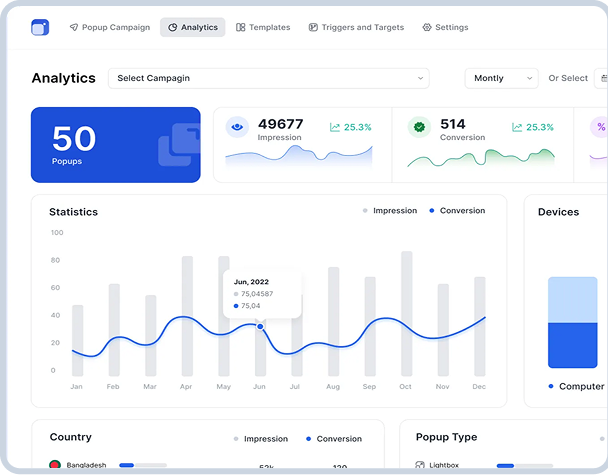








Why contact center operations slow down and lose consistency
CRM, ticketing, knowledge base, and internal tools are used separately, increasing handling time and making conversations harder to manage.
Summaries, ticket updates, tags, and follow-up notes are still completed manually, reducing capacity and creating inconsistency.
Agents lose time searching across scripts, policies, and articles instead of getting a fast answer with a clear source.
Customer conversations often stop at the contact center because updates, case context, or next steps do not flow cleanly into CRM, ERP, or service workflows.
Supervisors and QA teams identify missed steps, risky phrasing, and coaching needs only after the interaction is already over.
Designed to improve agent performance, workflow discipline, and system adoption
We start by understanding call types, agent workflows, knowledge sources, and the systems involved in the service journey. This shows where voice AI can reduce effort, improve consistency, and connect better with CRM, ERP, and ticketing workflows.

We define how the solution should work in practice: real-time guidance, knowledge retrieval, after-call automation, QA signals, and system updates. We also map what must be integrated, adapted, or extended for your environment.

Based on the findings, we design a pilot-ready workflow with target KPIs, user roles, prompts, guardrails, and escalation logic. This creates a practical model for controlled adoption before wider rollout.

We translate the solution into a rollout plan covering integrations, change management, agent adoption, QA enablement, and KPI tracking. The goal is not only go-live, but measurable performance improvement in daily operations.

We provide implementation-ready artifacts that help teams launch, evaluate, and scale contact center voice AI with control and measurable results.

A structured view of call flows, agent steps, system touchpoints, and friction points that slow down service and adoption.
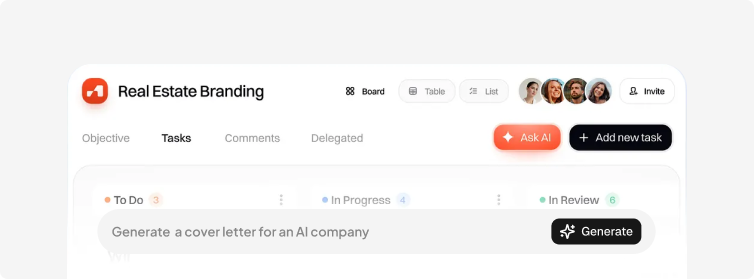
A clear definition of pilot scenarios, agent permissions, response boundaries, escalation rules, and measurable KPI targets.
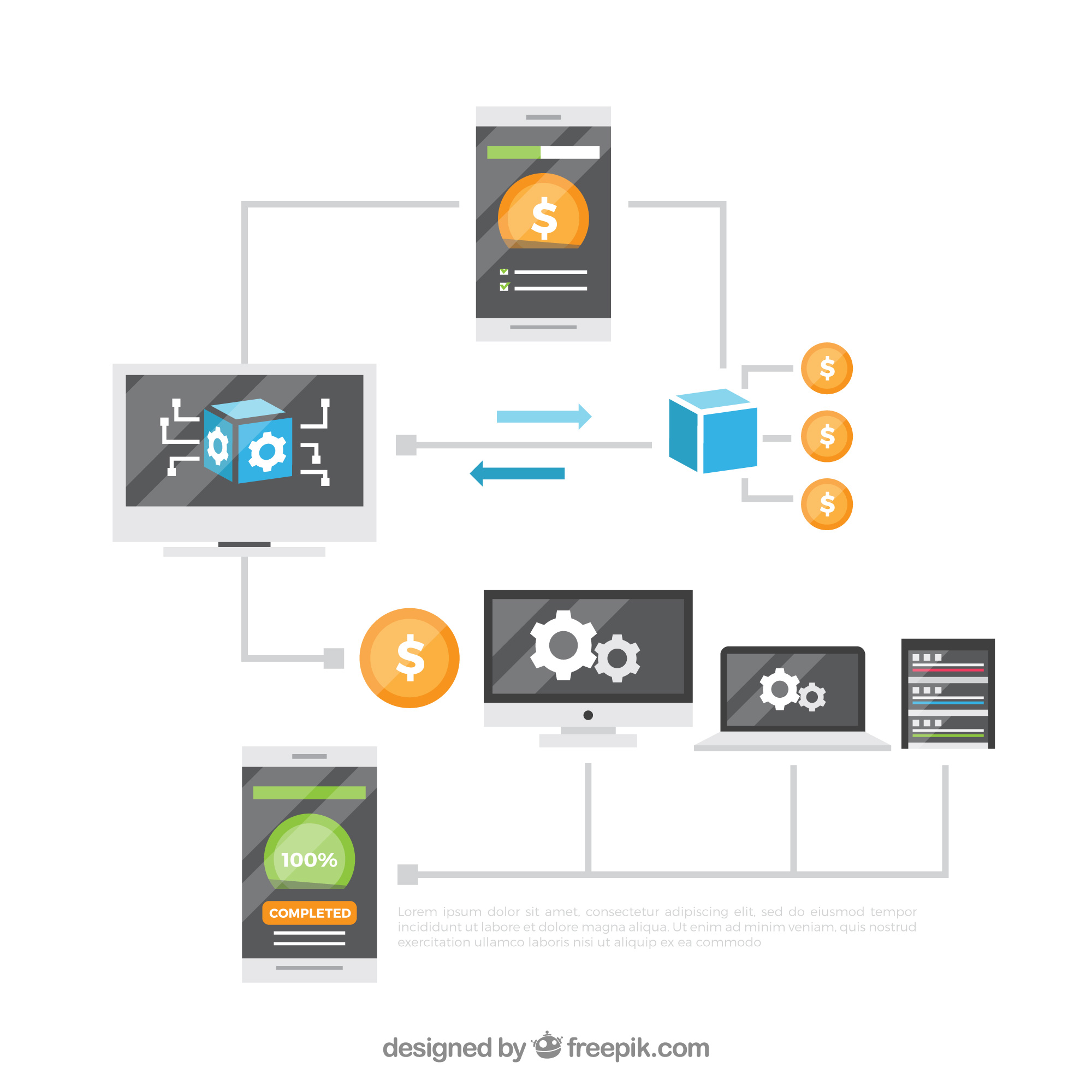
A practical blueprint showing how voice AI fits with CRM, ERP, ticketing, knowledge, and QA workflows.

A structured model for answer sources, response priorities, update rules, and how the assistant should guide agents safely.

A phased plan for enablement, testing, launch, feedback loops, and KPI review during the pilot period.
A prioritized list of prompts, automations, integrations, CRM/ERP updates, and customizations required for delivery.
A shared measurement model for AHT, ACW, FCR, QA discipline, adoption, and operational follow-through.
Organizations typically start this engagement when call complexity, system fragmentation, or service quality targets exceed what manual workflows can support.

The contact center depends on CRM, ticketing, ERP, and knowledge tools that slow agents down instead of supporting the interaction.
Summaries, tags, and follow-up steps still require manual effort, making productivity gains hard to achieve at scale.
Agents cannot get fast, source-based answers during live conversations, increasing inconsistency and escalations.
Important next steps, case updates, or operational actions are handled outside the flow, creating gaps between the conversation and execution.

Supervisors identify issues only after the call, instead of guiding quality and compliance while the interaction is happening.

The solution may be launched technically, but agents do not trust it, use it consistently, or change their daily behavior.
New initiatives require a clear architecture, governance, and risk model from the start.
Summaries, tags, and follow-up steps still require manual effort, making productivity gains hard to achieve at scale.
Agents cannot get fast, source-based answers during live conversations, increasing inconsistency and escalations.
Important next steps, case updates, or operational actions are handled outside the flow, creating gaps between the conversation and execution.
Answers to common questions about scope, integrations, rollout, and how this solution fits into broader CRM, ERP, and service operations.
Share a few details, and we will outline a pilot with scope, integrations, timeline, success criteria, and expected KPI impact.